neuroInvoice for accounting firms and tax advisers
Invoicing connected to your accounting firm.
Clients create invoices and organise expenses; your firm reviews authorised documents from a multi-client dashboard, without chasing files by email or changing its accounting software.
Frictionless collaboration
Get the documents you need before the quarterly close.
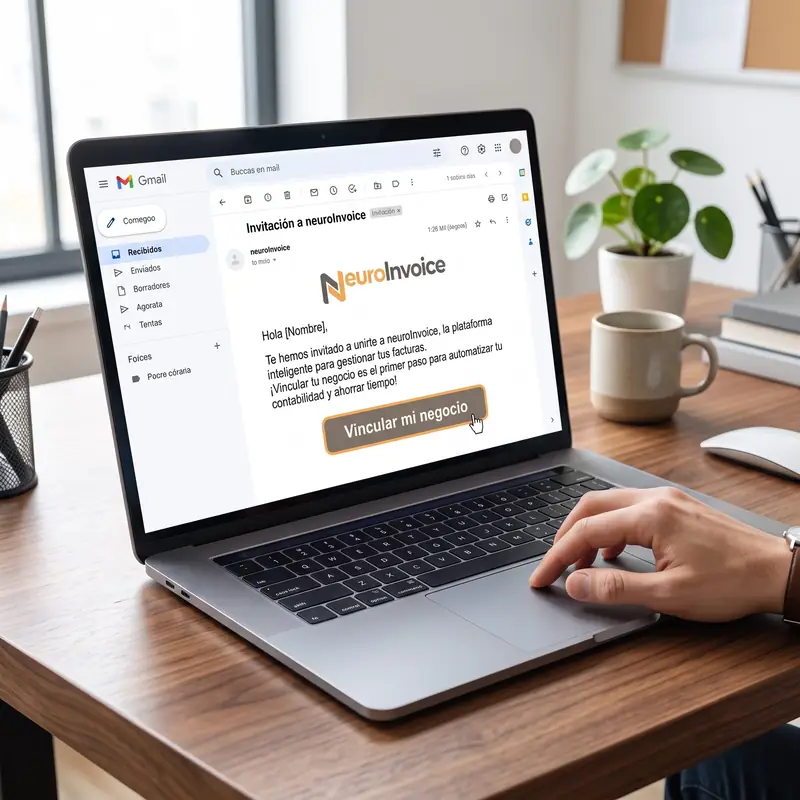 01
01
Invitation
The client links their business with the accounting firm from neuroInvoice.
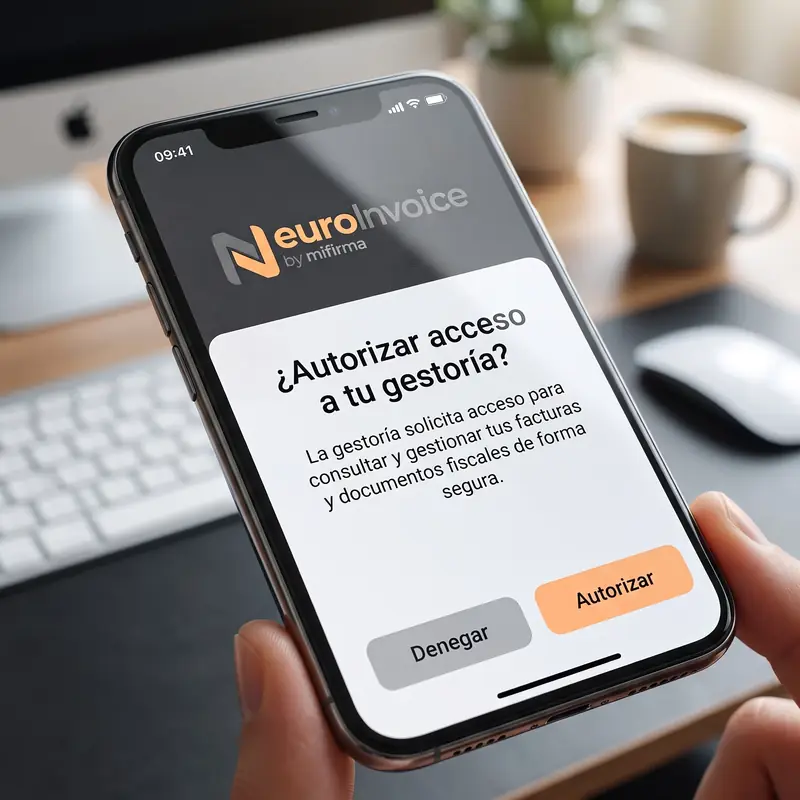 02
02
Consent
The authorisation is explicit, is recorded and can be revoked immediately.
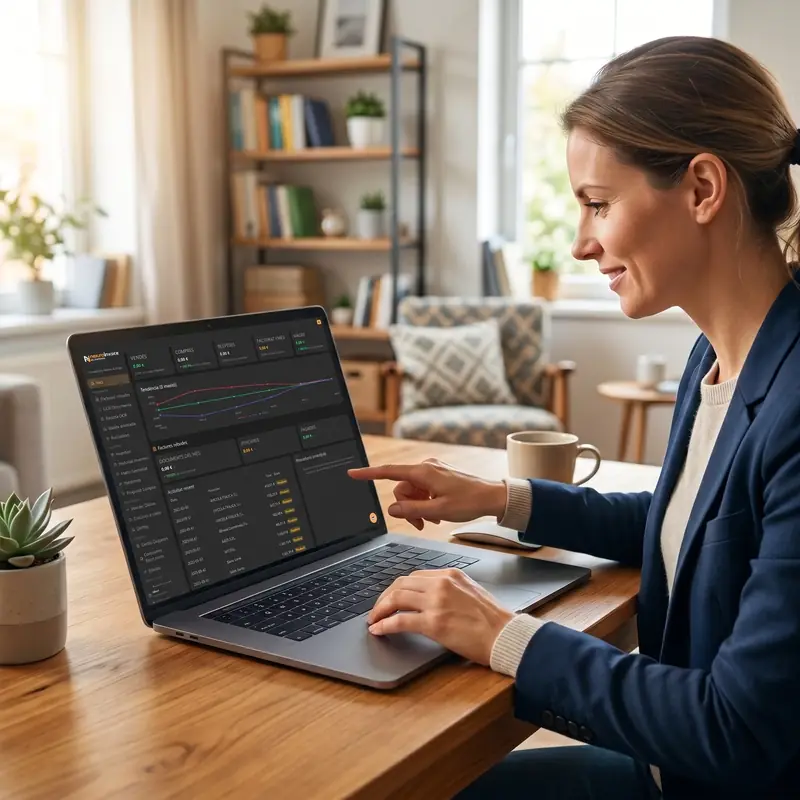 03
03
Review
The accounting firm has read-only access to invoices, expenses and classified documents.
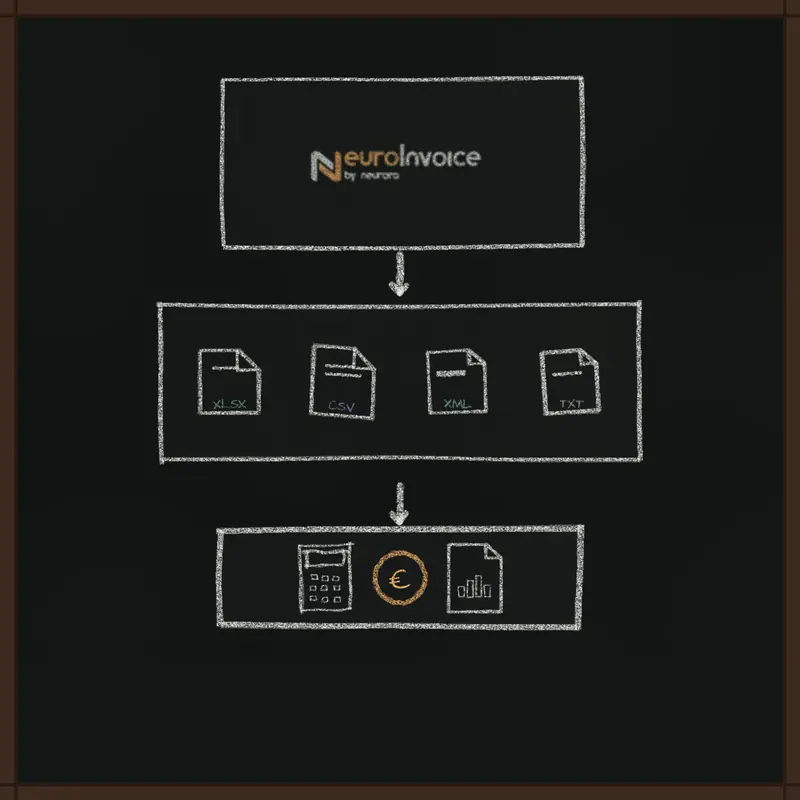 04
04
Export
Download structured data and flag issues in the same workflow.
Multi-client dashboard
Every client kept separate. All from one login.
Client portfolio
Switch clients without mixing documentation or relying on shared credentials.
Read only
Consult the documentation without modifying the operations or business records.
Document status
Identify reviewed invoices, outstanding documents and issues that need attention.
Revocable consent
The client maintains control and can terminate access without waiting for manual management.
Centralised issues
Request a correction or pending document without opening another email chain.
XLSX export
Export itemised taxable amounts and taxes for use in your usual accounting system.
Free for the firm
Accounting firms can review client documents for free.
The client maintains their neuroInvoice plan. The accounting firm's access to the review portal is free.
No per-adviser licence fee
The office team logs in with their own credentials.
No accounting migration
Review and export documents for the accounting software you already use.
No write access
The client's operations remain protected against accidental changes.
Frequently asked questions
How the accounting firm portal works.
Is access free for the accounting firm?
Yes. Clients keep their neuroInvoice plans, and read-only access for their accounting firm is free.
Who authorises and revokes access?
Each client explicitly authorises their accounting firm and can revoke access whenever needed.
Can the accounting firm change invoices?
No. The portal is read-only to prevent accidental changes to business records and workflows.
What can the accounting firm view and export?
Authorised client invoices, expenses and documents, their status and issues, and structured information in XLSX format.
Is data from different clients mixed?
No. Each business keeps its own workspace and separate documents, with permissions tied to its authorisation.
Free access for accounting firms
08820 El Prat de Llobregat, Barcelona
Let's talk about how you work with your clients
Tell us how you organise documentation and we will show you how neuroInvoice can help you review each client from a single login.
hola@neurora.es
+ 34 933 801 563
Registered officeCarrer de Castella, 37, 1C
08820 El Prat de Llobregat, Barcelona